Stoolap Studio
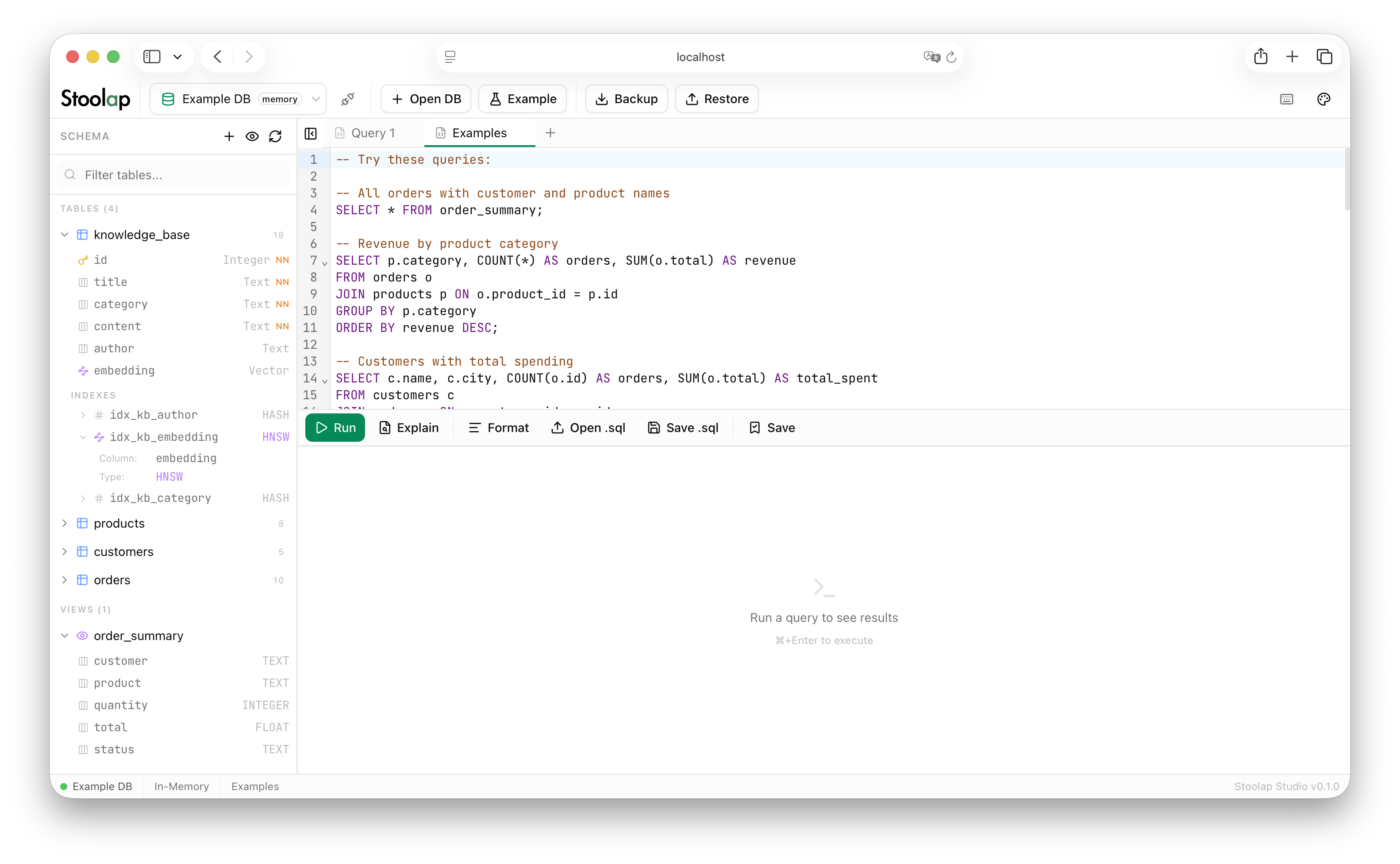
Stoolap Studio is a web-based database management interface for Stoolap. It runs the Stoolap engine in-process via the Node.js driver, so there is no separate server to configure.
Features
- SQL Editor with syntax highlighting, schema-aware autocomplete, and multi-tab support
- Schema Browser with table, view, column, index, and foreign key inspection
- Interactive Data Grid with sorting, filtering, inline editing, and virtual scrolling
- Visual Table Builder for creating and altering tables, columns, constraints, and foreign keys
- Vector Search dialog for HNSW-indexed k-NN queries with distance visualization
- Backup and Restore via SQL dump export and import
- EXPLAIN plan viewer for query analysis
- CSV/JSON Export and Import
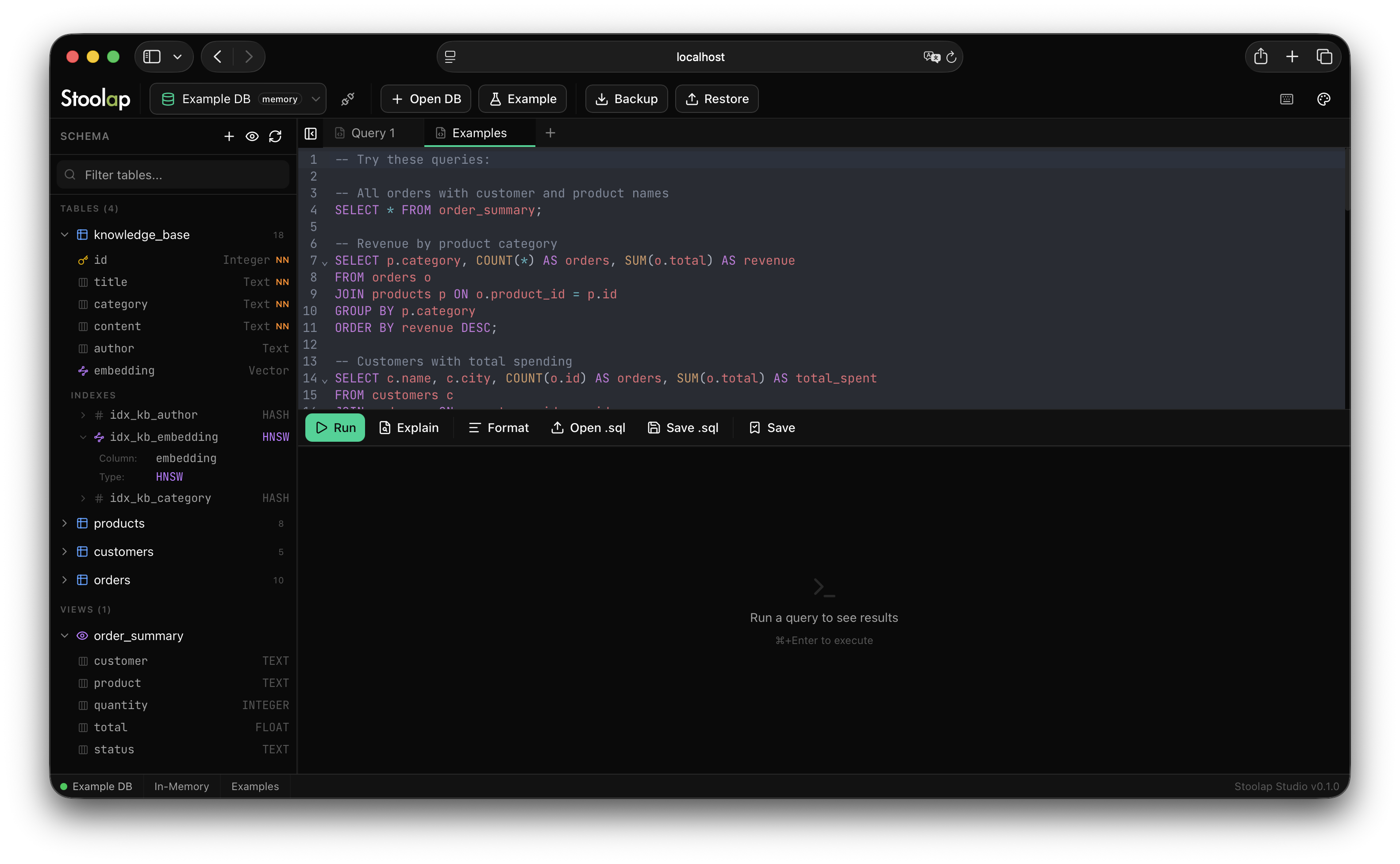
- Dark and Light themes with multiple accent color and editor theme options
- Keyboard shortcuts for common operations
Installation
Requires Node.js 18 or later.
git clone https://github.com/stoolap/stoolap-studio.git
cd stoolap-studio
npm install
Running
Development
npm run dev
Open http://localhost:3000.
Production
npm run build
npm start
Quick Tour
Connect to a Database
Click Open DB in the toolbar to connect to a file-based or in-memory database. Click Example to load a sample database with tables, views, indexes, and pre-built queries.
Run Queries
Type SQL in the editor and press Cmd+Enter (macOS) or Ctrl+Enter (Linux/Windows) to execute. Results appear in the panel below the editor. Use Cmd+E to run EXPLAIN instead.
Browse Schema
The left sidebar shows all tables and views. Expand a table to see its columns, types, constraints, and indexes. Right-click for actions like View Data, Show DDL, Create Index, and Drop.
Edit Data
Open a table in the data viewer to sort, filter, and paginate. Click a cell to edit it inline. Use the toolbar to insert or delete rows. Foreign key values are clickable and navigate to the referenced row.
Vector Search
For tables with HNSW-indexed vector columns, right-click the index and select k-NN Search to open the vector similarity search dialog. Choose a distance metric, paste a query vector, and run the search.
Backup and Restore
Click Backup to export the database as a SQL dump. Click Restore to import a SQL dump file. Both operations support progress tracking and run inside transactions for safety.
Keyboard Shortcuts
| Shortcut | Action |
|---|---|
| Cmd/Ctrl + Enter | Execute query |
| Cmd/Ctrl + E | Explain query |
| Cmd/Ctrl + Shift + F | Format SQL |
| Cmd/Ctrl + B | Toggle sidebar |
| Cmd/Ctrl + T | New tab |
| Cmd/Ctrl + W | Close tab |
| Cmd/Ctrl + S | Save query to bookmarks |
Tech Stack
| Component | Technology |
|---|---|
| Framework | Next.js with React and TypeScript |
| Database | @stoolap/node (embedded Stoolap engine) |
| Editor | CodeMirror 6 with SQL language support |
| UI | shadcn/ui, Radix UI, Tailwind CSS |
| Data Grid | TanStack Table with virtual scrolling |
| State | Zustand with persistence |